Whisperline
Feature 4 of 7
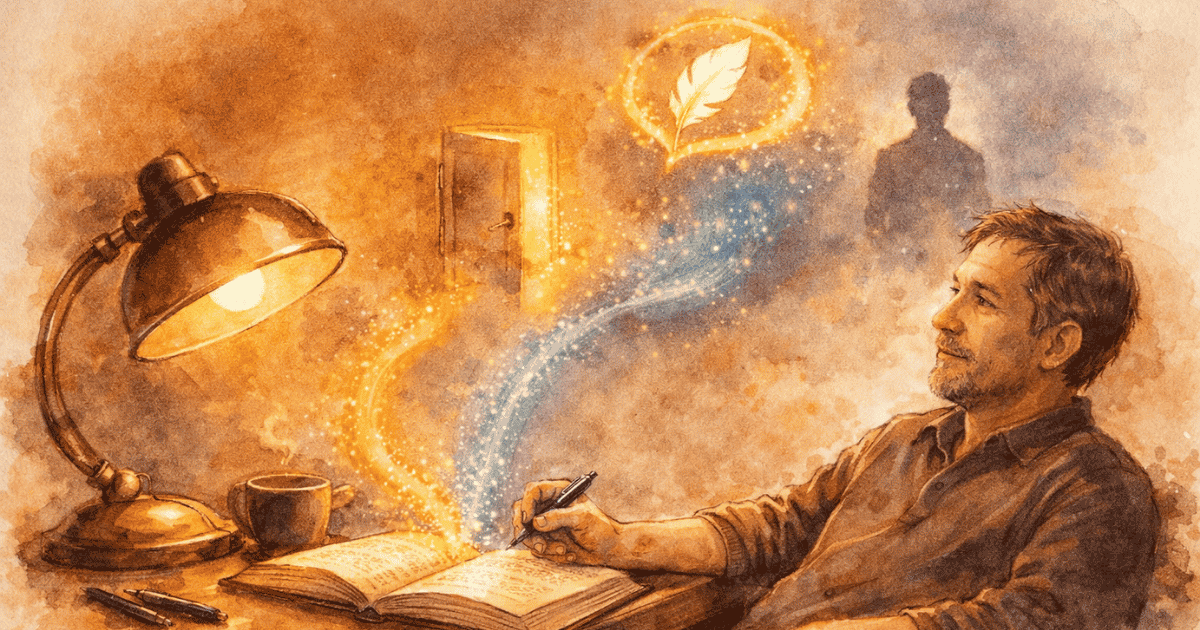
When you stall mid‑sentence, Whisperline notices. After forty‑five seconds of stillness, it reads the moment you’re in — the scene, the mood, the character you’re writing — and offers a single line to help you move again.
The fireplace had a warm glow in the bedroom.

Shown faster here than in the app — Whisperline actually waits about 45 seconds of stillness before it speaks.
Why it matters
Getting stuck isn’t about running out of ideas; it’s about losing momentum. Whisperline gives you just enough of it back. It studies what you’re writing and nudges you with a line that fits the moment. If a character is present, it speaks in their voice, using the fingerprints you shaped in Character Builder. You can accept it, snooze it, or turn it off entirely. And the instant you start typing again, it fades away — quiet, optional, and gone the moment you no longer need it.
A nudge when you stall
Stillness triggers a single line.
A voice that fits the scene
It echoes your character when they're present.
Gone the moment you type
You choose: accept, snooze, or silence.